Rurru

Sleeping sounds

Coming soon

Fall asleep to sounds that never loop.

Rurru makes rain, ocean, fan and noise live on your iPhone or iPad, so there's no seam to notice at 3 a.m. Mix your own, set a gentle sleep timer, and keep it all private: no account, no ads, no tracking.

Platforms
iPhone and iPad
Free to try
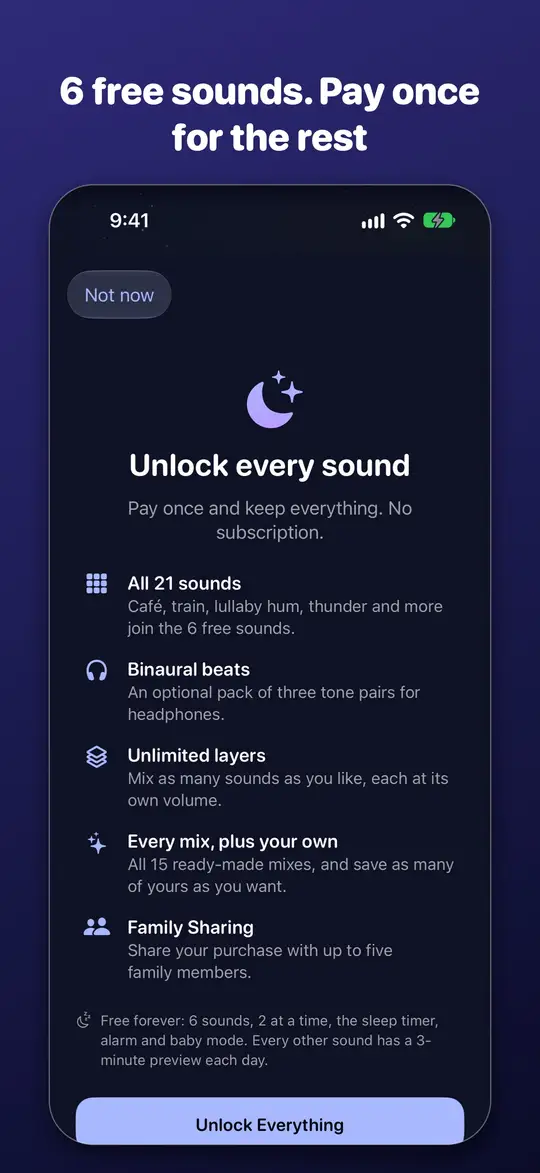
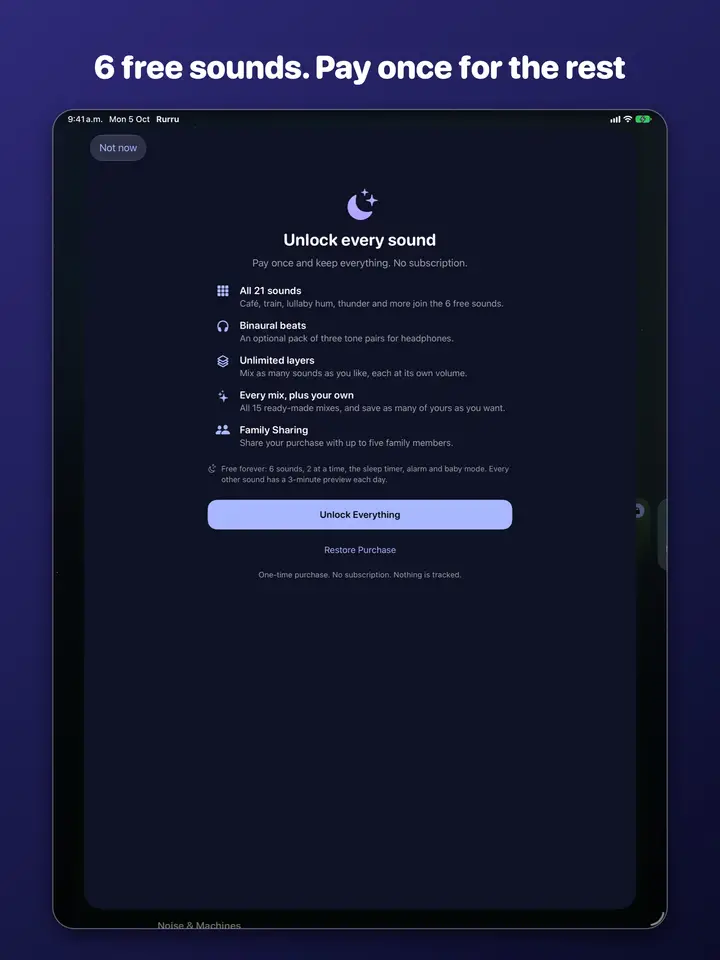
6 sounds free forever, plus a 3-minute preview of every other sound
To keep it
US$3.99 · one payment
Data collected
None

Fair pricing

// screenshots

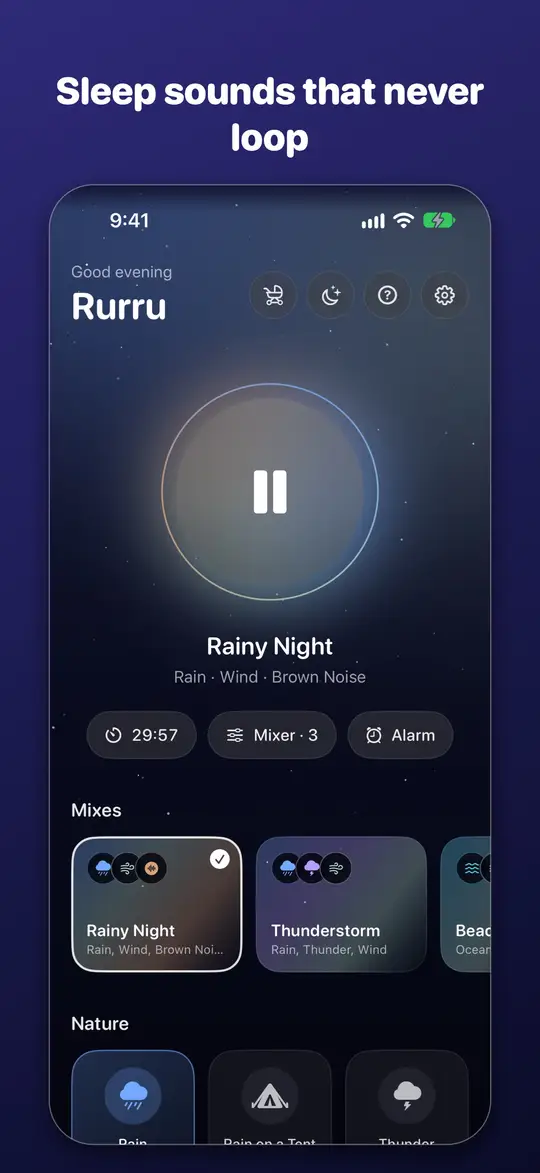
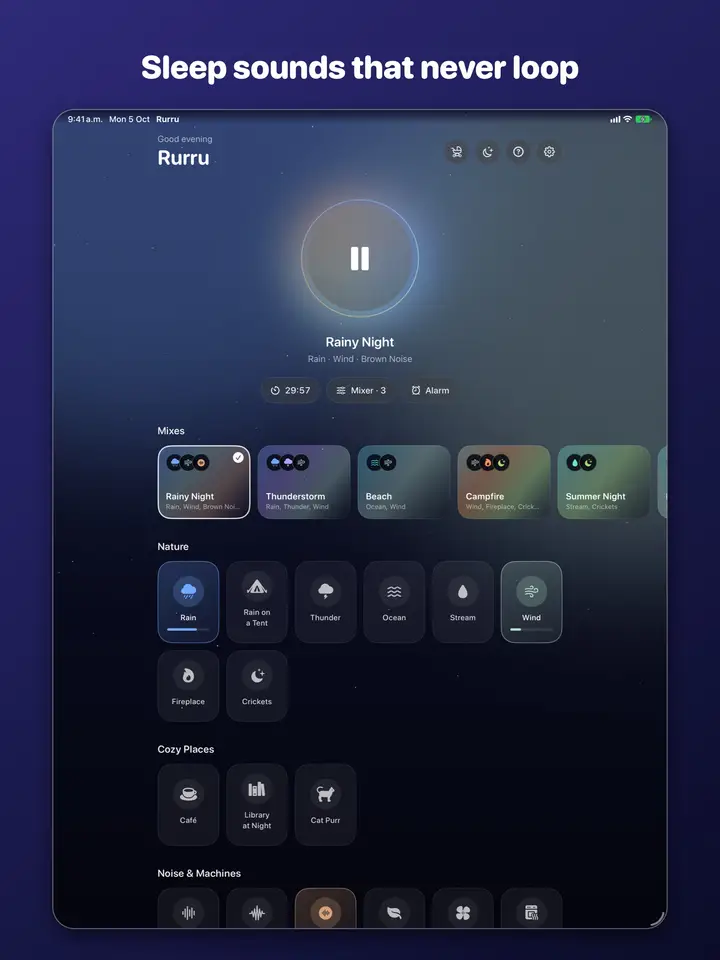
  • The sound library: rain, ocean, fireplace and more
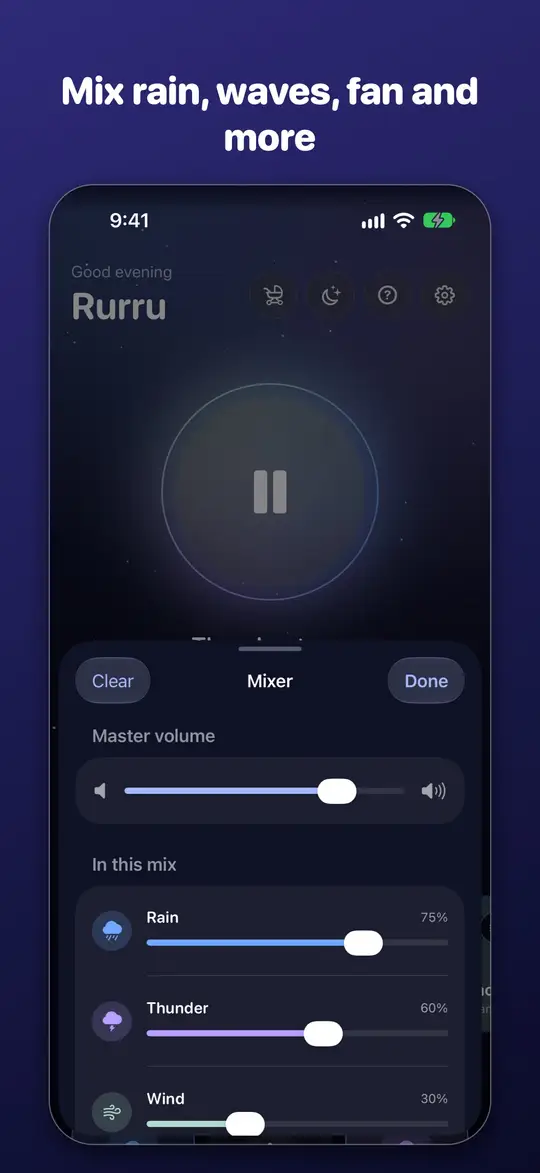
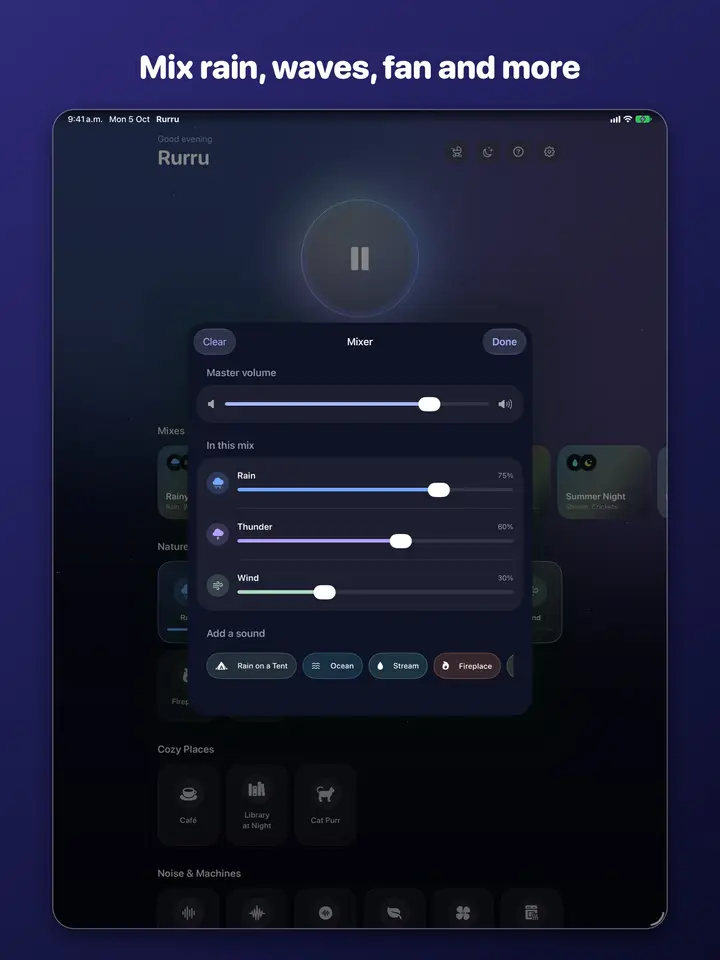
  • Mixing several sounds together
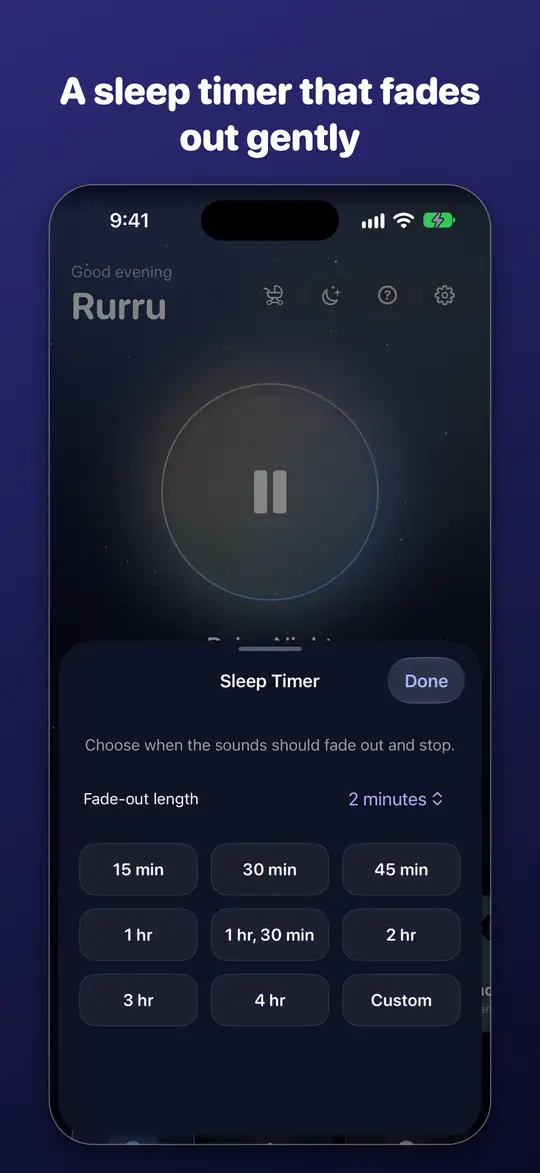
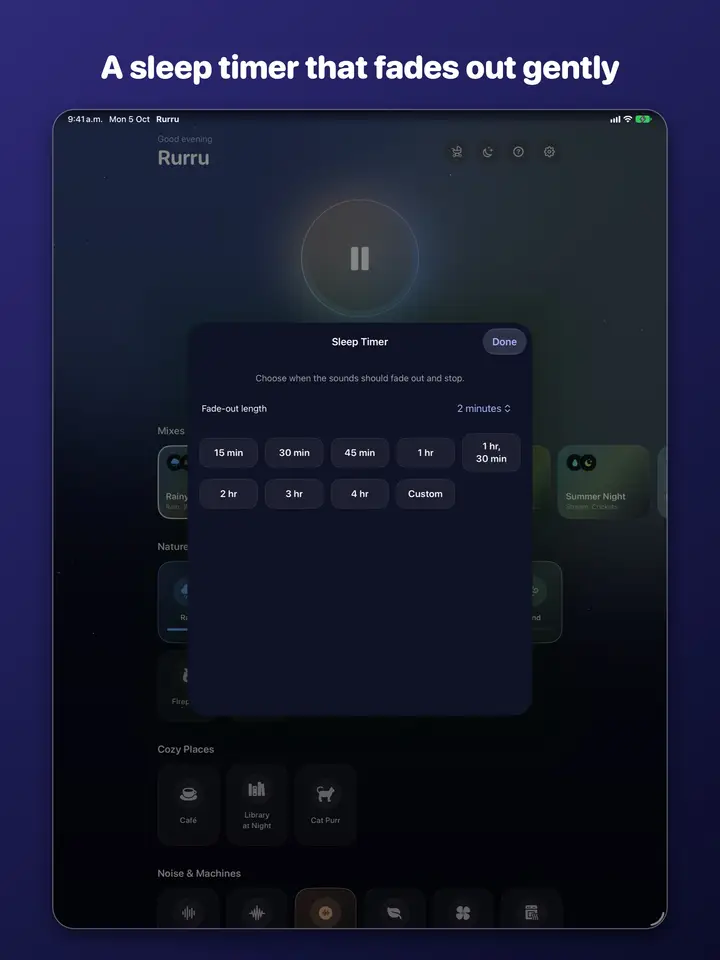
  • Setting a sleep timer
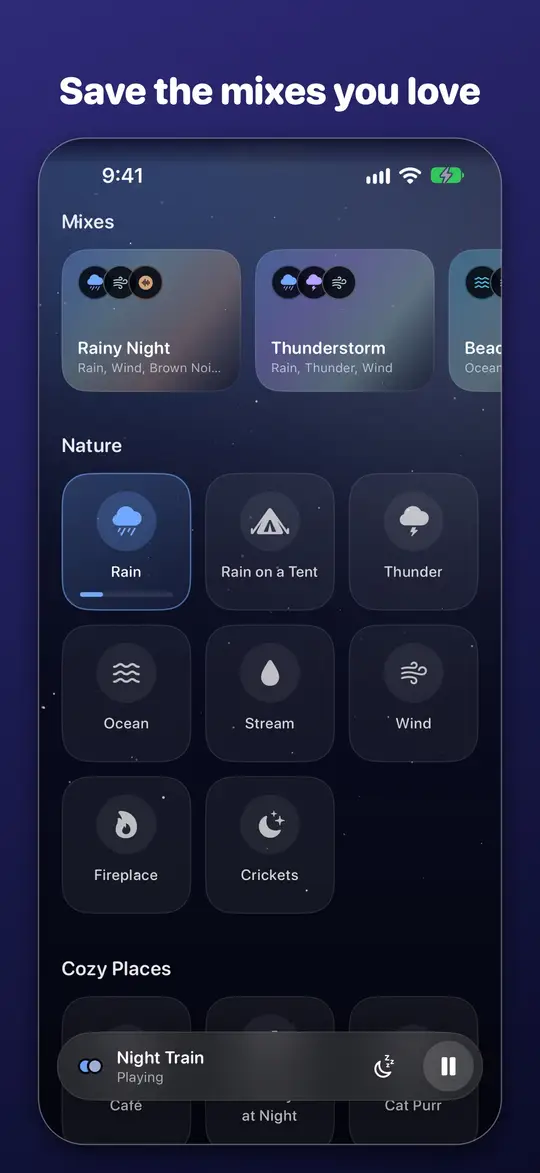
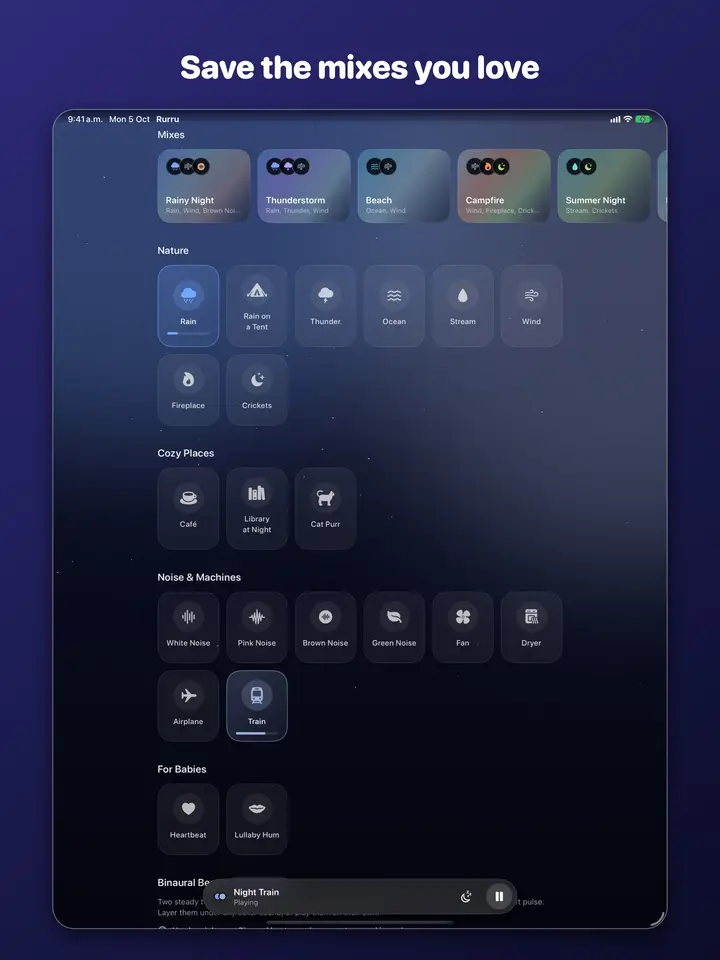
  • Saving your favorite mixes
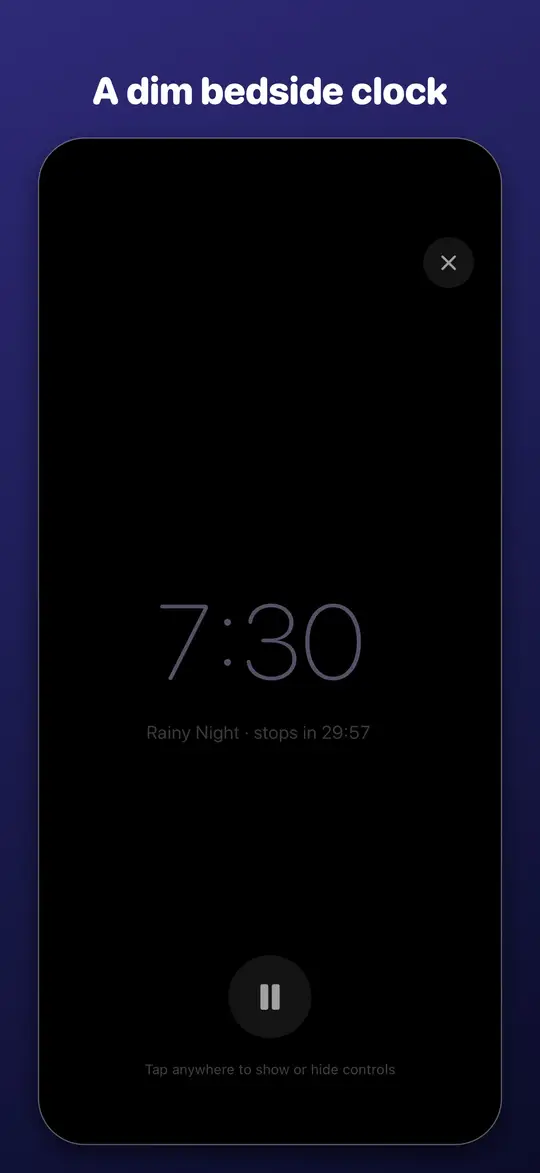
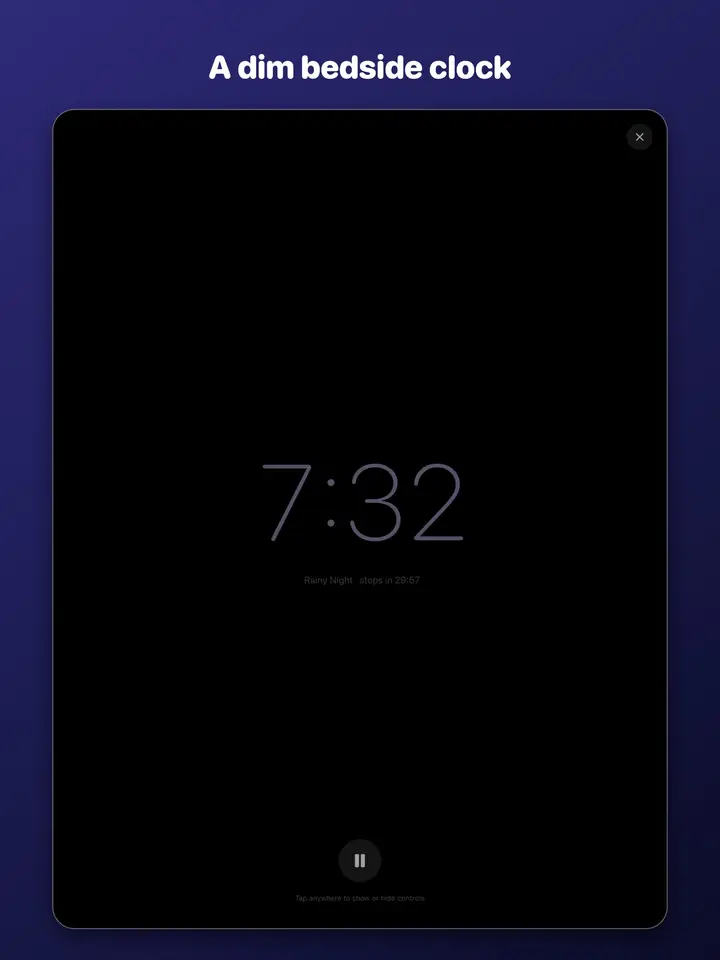
  • A dim bedside clock mode
  • Rurru works offline with no account and no tracking
  • The sound library: rain, ocean, fireplace and more
  • Mixing several sounds together
  • Setting a sleep timer
  • Saving your favorite mixes
  • A dim bedside clock mode
  • Rurru works offline with no account and no tracking

Rurru helps you fall asleep, stay asleep and focus, with soothing sounds that never repeat.

Most sound apps play short recordings on a loop, and once you notice the seam you can't stop hearing it. Rurru generates every sound live on your device, so the rain never loops and the waves never repeat.

// what it does

21 SOUNDS

  • Nature: rain, rain on a tent, thunder, ocean, stream, wind, fireplace and crickets
  • Cozy places: café, library at night and a purring cat
  • Noise and machines: white, pink, brown and green noise, fan, dryer, airplane cabin and train
  • For babies: a soft heartbeat and a soothing lullaby hum
  • Optional binaural beats pack, for headphones

YOUR MIX

  • Layer as many sounds as you like and set each one's volume
  • Start with 15 ready-made mixes, like Rainy Night, Thunderstorm, Night Train and Corner Café
  • Save your own mixes and come back to them with one tap

MADE FOR BEDTIME

  • A sleep timer that fades the sound out gently instead of cutting it off
  • Keeps playing with the screen locked, with controls on the Lock Screen and in Control Center
  • Pauses for calls and picks up again afterwards
  • Bedside mode: a dim clock that keeps the screen awake on your nightstand
  • A gentle wake-up alarm: a soft chime that rises before your alarm time
  • An optional bedtime reminder
  • Baby mode: one steady sound, louder, with the screen dimmed and the controls locked
  • Widgets and a Control Center button to start your last mix, plus Siri and Shortcuts
  • Optional: play alongside your podcast or music

// specs

Platforms
iPhone and iPad
Audio engine
Every sound generated live on your device
Loops
None: rain and waves never repeat
Downloads
None: no sound packs to fetch
Network
Not needed: works in airplane mode
Account
None, not even optional
Data collected
None
Price model
6 sounds free forever, plus a 3-minute preview of every other sound, then buy once
OS updates
Free compatibility updates

your device

  • app
  • on-device processing
  • your files

no connection

internet

  • our server doesn't exist
  • cloud sync no connection
  • ads no connection
  • analytics no connection
How every Cleanware app is built: everything happens on your device. There's no server for your data to go to.

Fair pricing

US$3.99One payment

one-time purchase; no trial, 6 sounds stay free forever

6 sounds (white and brown noise, rain, ocean, fan and heartbeat), 2 at a time, the sleep timer, the alarm and baby mode are free forever. Every other sound and mix has a 3-minute preview each day, so you can try them before you buy. A single purchase of US$3.99 unlocks every sound and the binaural pack, unlimited layers and saving your own mixes. No subscription, ever. Family Sharing is supported.

In the workshop. This page will link to the stores at launch.

Data Not Collected

Private by design

  • Works fully offline, even in airplane mode
  • No account, no ads, no tracking, no data collected
  • Nothing to download: the app is tiny and every sound is made on your device

Read the privacy policy

Available in English and Spanish, with VoiceOver support, Dynamic Type and iPad support.

Need a hand?

Answers to common questions, and how to reach our team.

Visit support